Profile and API keys
Your Profile holds your account details, the identifiers support asks for, your API keys and interface preferences. Open it from ⋯ → Profile at the bottom of the sidebar.
What the Profile shows
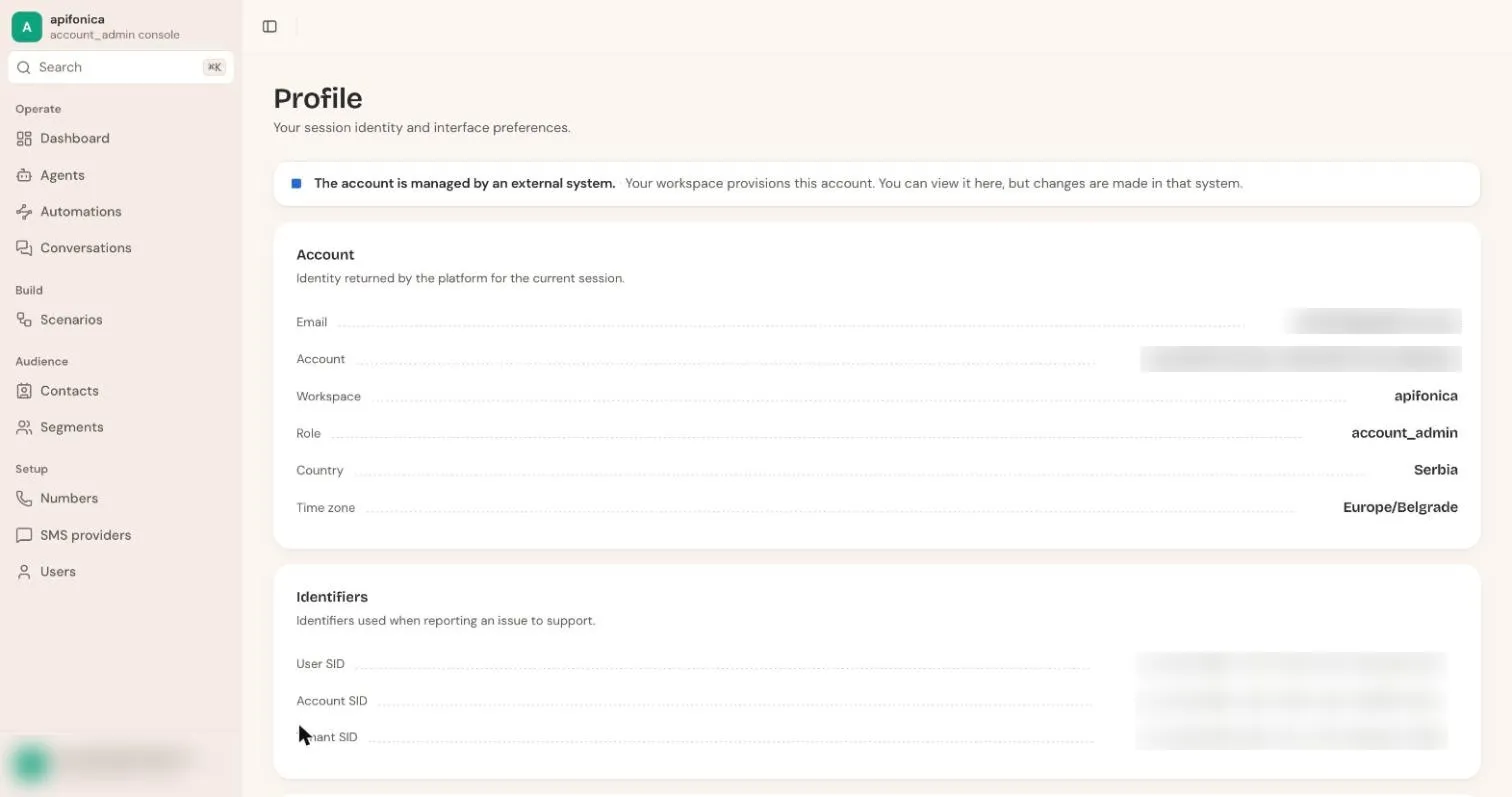
Section titled “What the Profile shows”| Section | Contents |
|---|---|
| Account | Your email, account ID, workspace, role, country and time zone. The account country is the default for phone numbers typed without a country code; the account time zone is the default for calling hours |
| Identifiers | User SID, Account SID and Tenant SID. Give these to support when you report a problem |
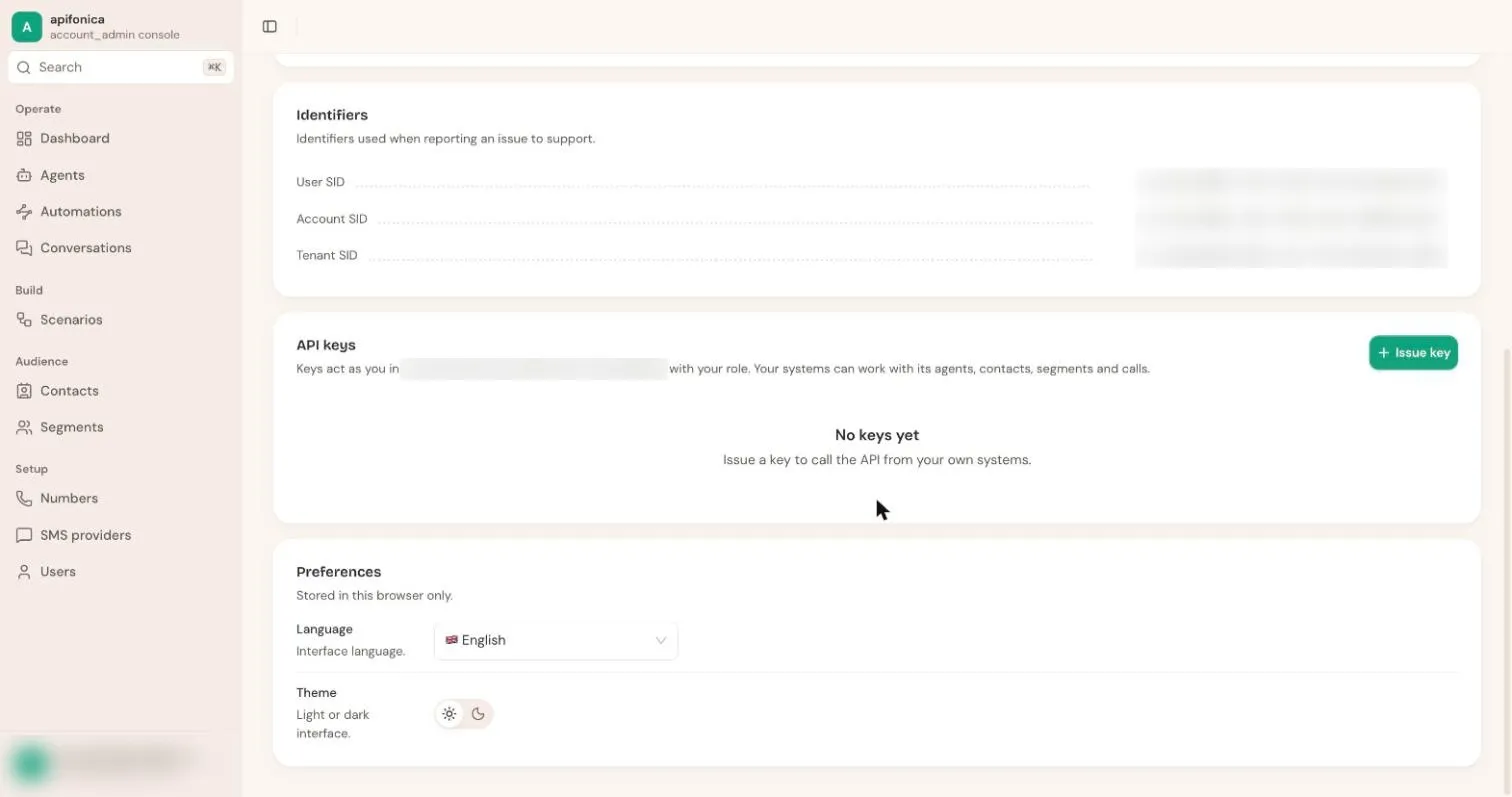
| API keys | Keys your own systems use to call the Account API |
| Preferences | Interface language (English, Deutsch, Español, Italiano, Polski, Русский, Srpski) and light or dark theme, stored in this browser only |
The account is managed by an external system: your workspace sets these values; you can view them here.
API keys
Section titled “API keys”A key acts as you, with your roles, in this account: your systems can use it to work with agents, contacts, segments and calls through the Account API.
- On the Profile page, find API keys and click Issue key.
- Copy the key and store it safely, like a password.
- To stop a key, revoke it from the same list (control to confirm: the demo account had no keys).
Issuing keys for other users needs the permission account:api_key:manage, which account_admin includes. A key has a limited lifetime. Keys and access in detail: Identity and access; what the API can do: API reference.