Phone numbers
Numbers are provisioned by your workspace and shown read-only in the console; each agent needs either a number that no other agent uses or a number pool, which several agents can share.
The number list
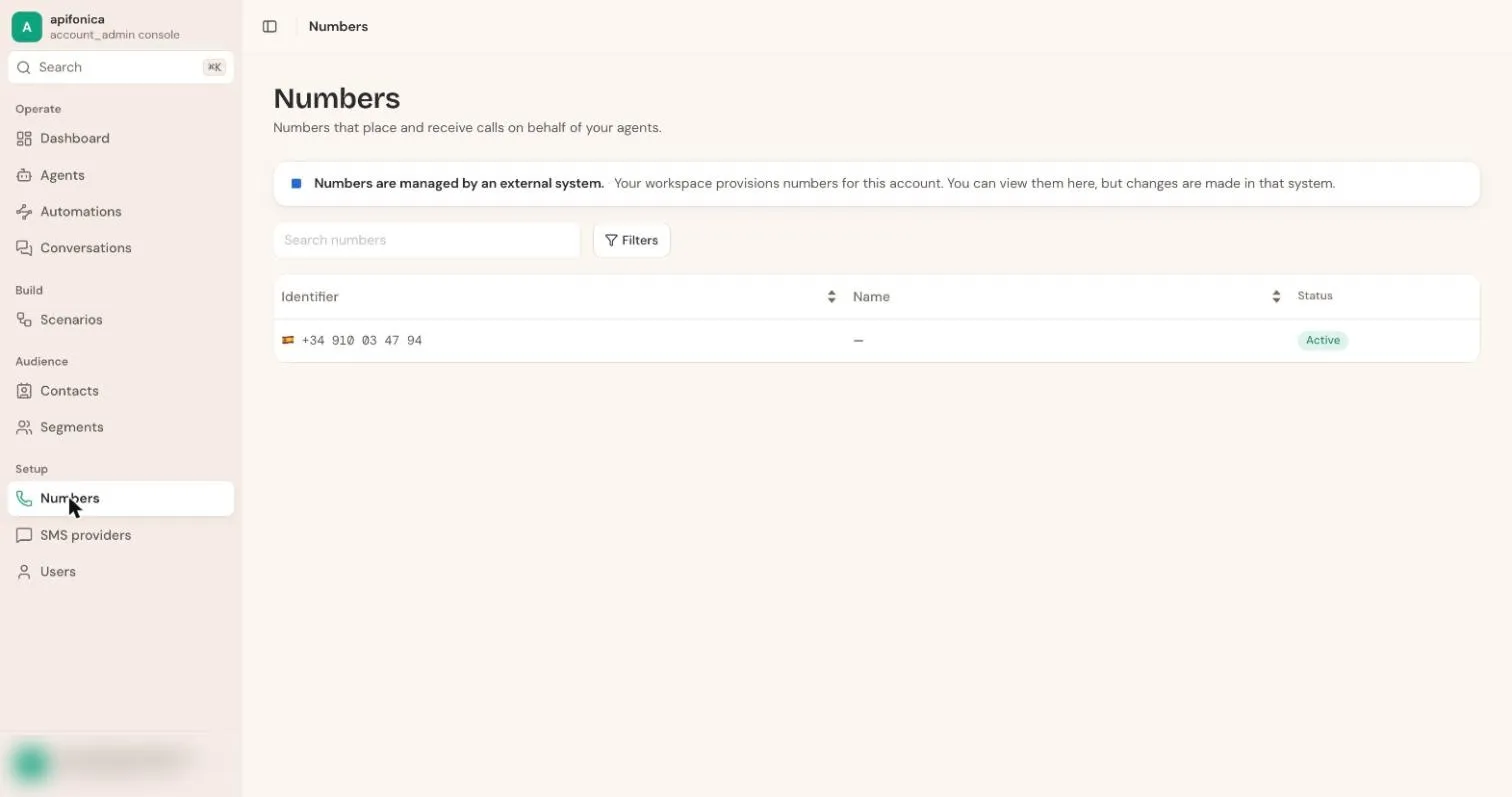
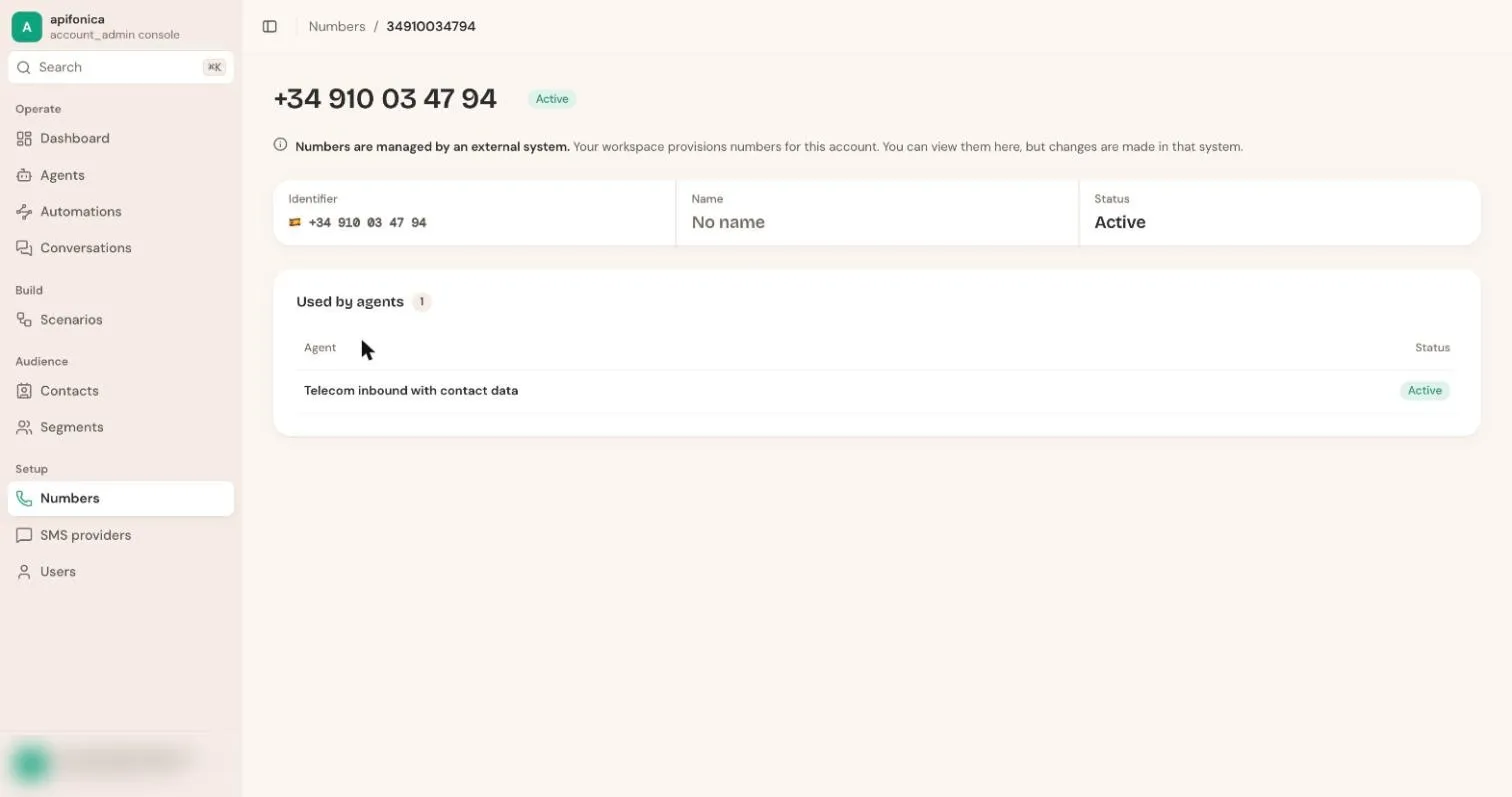
Section titled “The number list”Setup → Numbers lists the account’s numbers with name and status (for example Active). Open a number to see which agents use it. To get a new number or change one, contact whoever manages your workspace.
Numbers, pools and agents
Section titled “Numbers, pools and agents”- An agent’s Gateway is either one Number or a Number pool. An agent on a pool answers on all its numbers.
- A number belongs to at most one pool and carries at most one agent; a pool can be shared by several agents.
- A number held by an agent, directly or through a pool, is not free for another agent. The agent form’s Free filter lists only numbers you can still use.
- Archiving an agent frees its number. See Agents.
Number formats
Section titled “Number formats”Type numbers in international form with the country code first, for example +34 910 03 47 94. Numbers without + or 00 are read with the account country from your profile.
A number is not a trunk
Section titled “A number is not a trunk”A number only says that a dialable identifier belongs to the account. Calls travel over the SIP trunk your workspace set up. If numbers are listed but nothing rings, the trunk is the first thing to check. See Object model.