Console tour
Sign in at aiva.apifonica.com and the console opens on the Dashboard; every page is one click away in the left sidebar.
Signing in
Section titled “Signing in”- Users, numbers and the account itself are provisioned by your workspace, an external system. You cannot create users or buy numbers inside the console.
- If you cannot sign in or need another role, ask whoever manages your Apifonica workspace.
- Your role shows under the workspace name in the top-left corner, for example
account_admin console. What each role may do: Users and roles.
The sidebar
Section titled “The sidebar”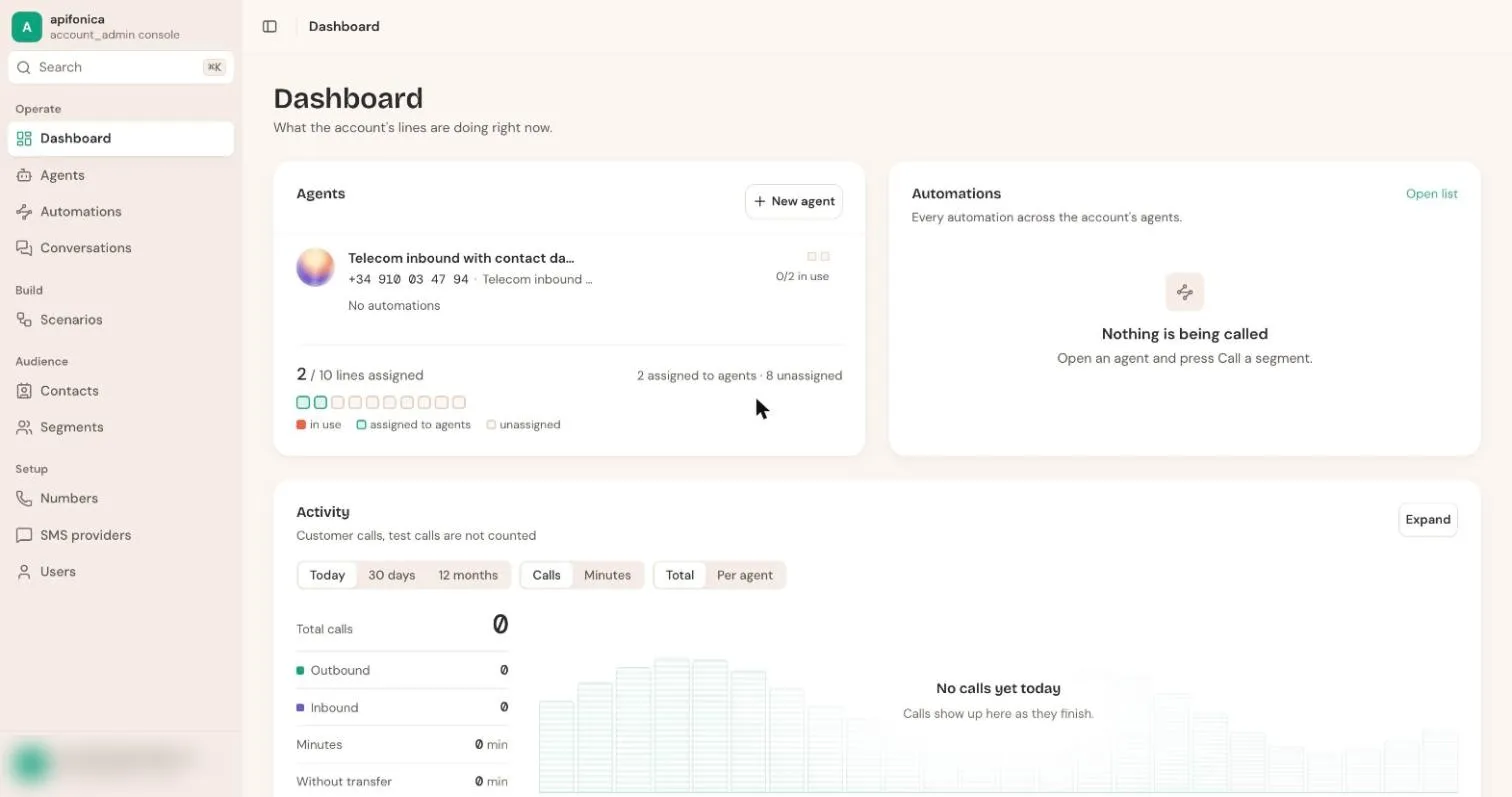
| Group | Pages | Use it to |
|---|---|---|
| Operate | Dashboard, Agents, Automations, Conversations | Run agents, start outbound calling and review calls |
| Build | Scenarios | Design conversation flows in the visual builder |
| Audience | Contacts, Segments | Keep the people you call and the lists you call them in |
| Setup | Numbers, SMS providers, Users | View numbers and users, connect SMS gateways |
The icon next to the page title hides or shows the sidebar, which gives the scenario builder more room.
Search
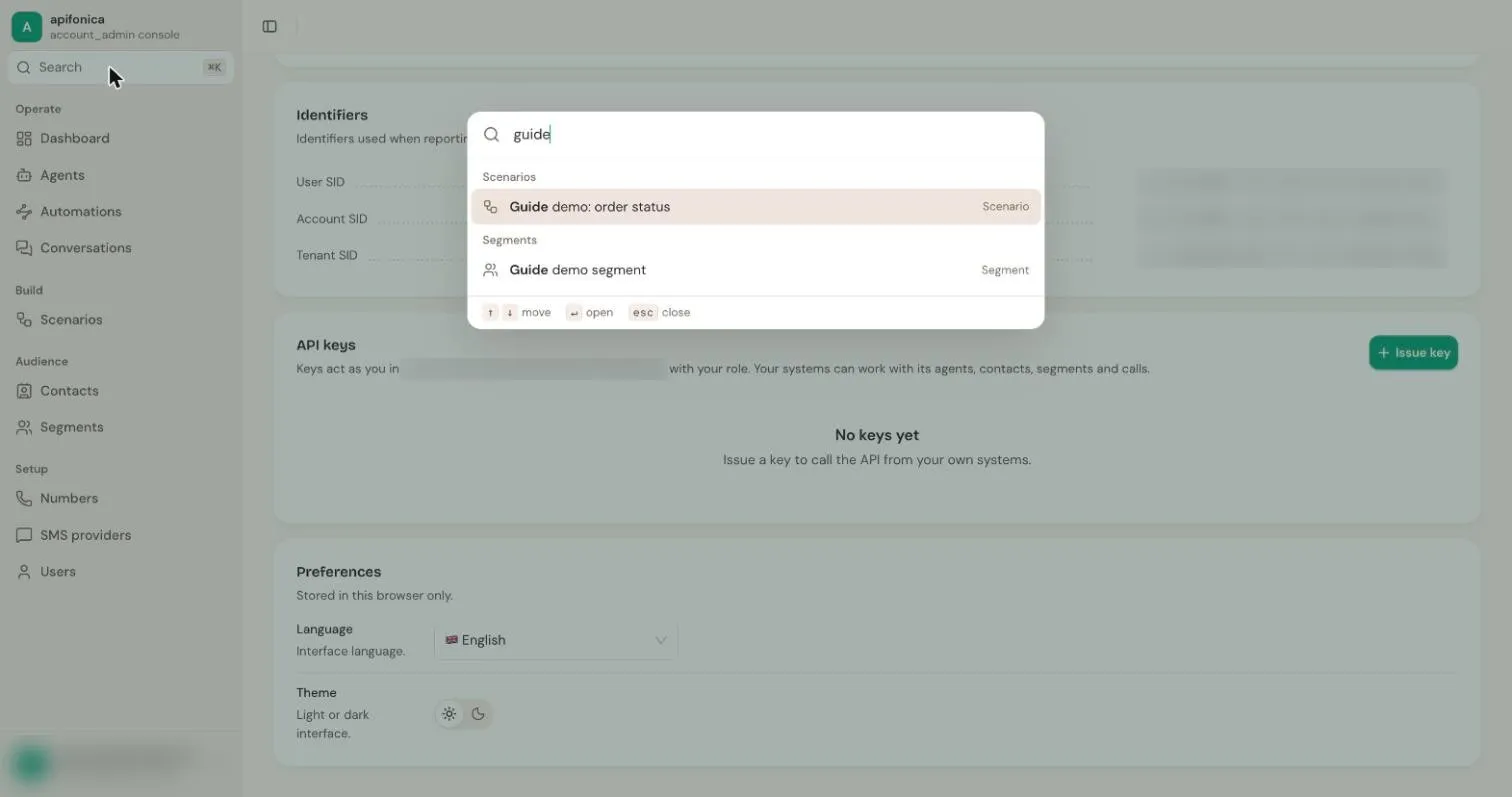
Section titled “Search”Click Search at the top of the sidebar, or press the shortcut shown next to it (⌘K on a Mac). Type part of a name: results are grouped by type, such as Scenarios and Segments. Use the arrow keys to move, Enter to open and Esc to close.
User menu
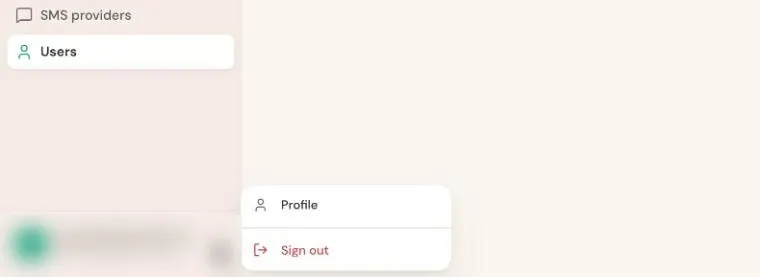
Section titled “User menu”Your account sits at the bottom of the sidebar. Click ⋯ next to it for Profile and Sign out. The Profile page holds your account details, the identifiers support asks for, your API keys and interface preferences: see Profile and API keys.