JavaScript
The JavaScript brick runs your own code during the call: it reads and writes scenario variables and can use ready-made tools such as email, Google Sheets or a wait.
Every text setting of this brick takes variables and contact fields, such as {{contact.first_name}}. Number, switch and list settings do not. See Variables.
When to use
Section titled “When to use”Logic that bricks alone cannot express: calculations, date formatting, parsing JSON, combining several values, sending an email or adding a row to a sheet. For a single API lookup, HTTP request needs no code.
The handler
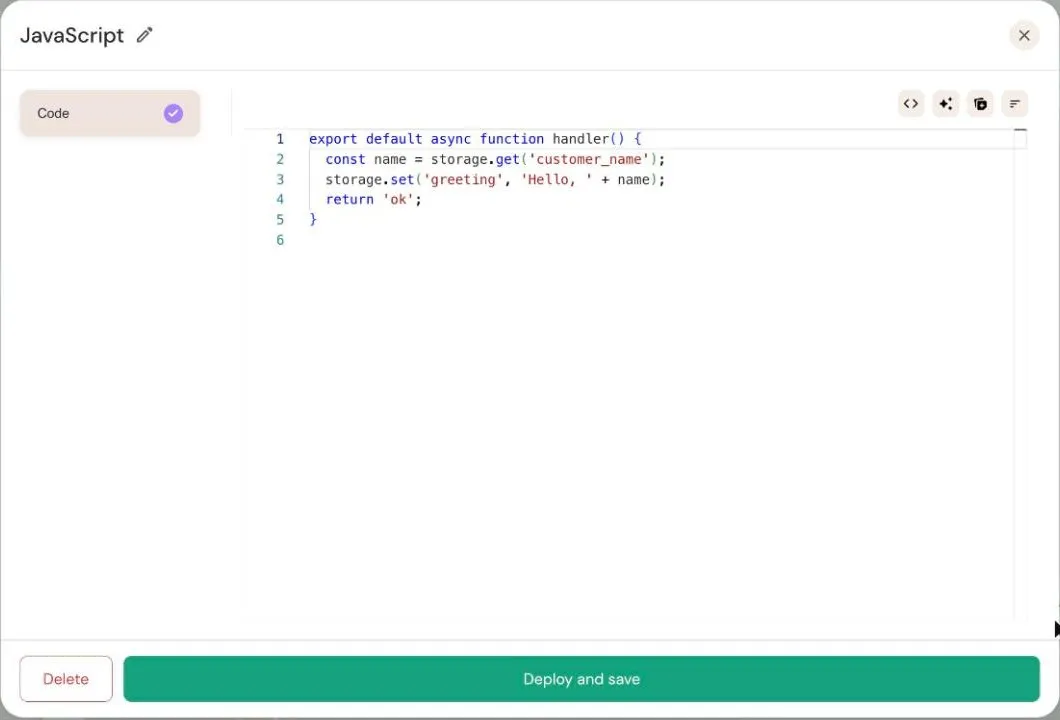
Section titled “The handler”The brick runs the default export. It must stay async and take no parameters:
export default async function handler() { const name = storage.get('customer_name'); storage.set('greeting', 'Hello, ' + name); return 'ok';}| Call | What it does |
|---|---|
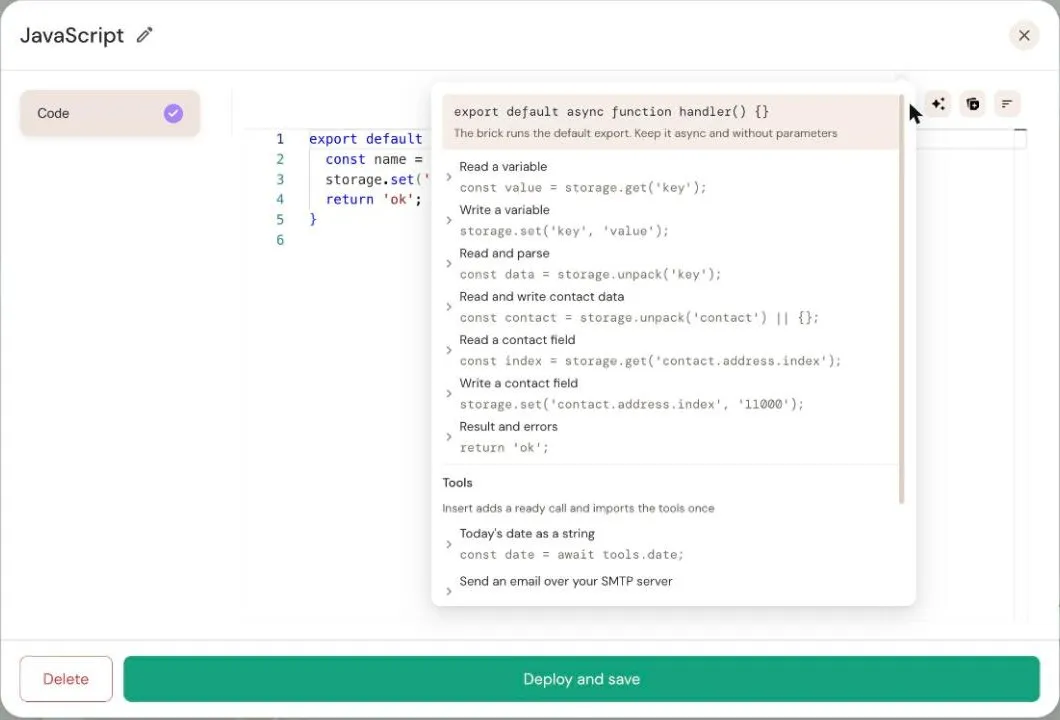
storage.get('key') | Reads a variable as a string; undefined when it is not set |
storage.set('key', 'value') | Writes a variable; objects are saved as JSON. System variables are read-only |
storage.unpack('key') | Reads and parses a variable: true, 42 and JSON strings become real values |
| Dotted keys | Contact fields, such as contact.address.index |
Settings and tools
Section titled “Settings and tools”| Control | What it does |
|---|---|
| Brick API (< >) | Lists the calls above and ready-made tools: today’s date, sending an email over your SMTP server, adding a row to a Google Sheet, waiting before the next step |
| Generate code (✨) | Writes the function from a plain-language description |
| Deploy and save | Stores and deploys the code |
Outputs
Section titled “Outputs”| Output | When |
|---|---|
| Processed | The function finished; what it returns is the brick result |
| Error | The code threw an error (throw) or failed to run |
console.log output shows up in Testing.
Good practice
Section titled “Good practice”- Keep the code short and fast: the caller waits while it runs.
- Write results into variables and branch on them with Conditions.
- Never write secrets into the code; keep them on the server you call.