Users and roles
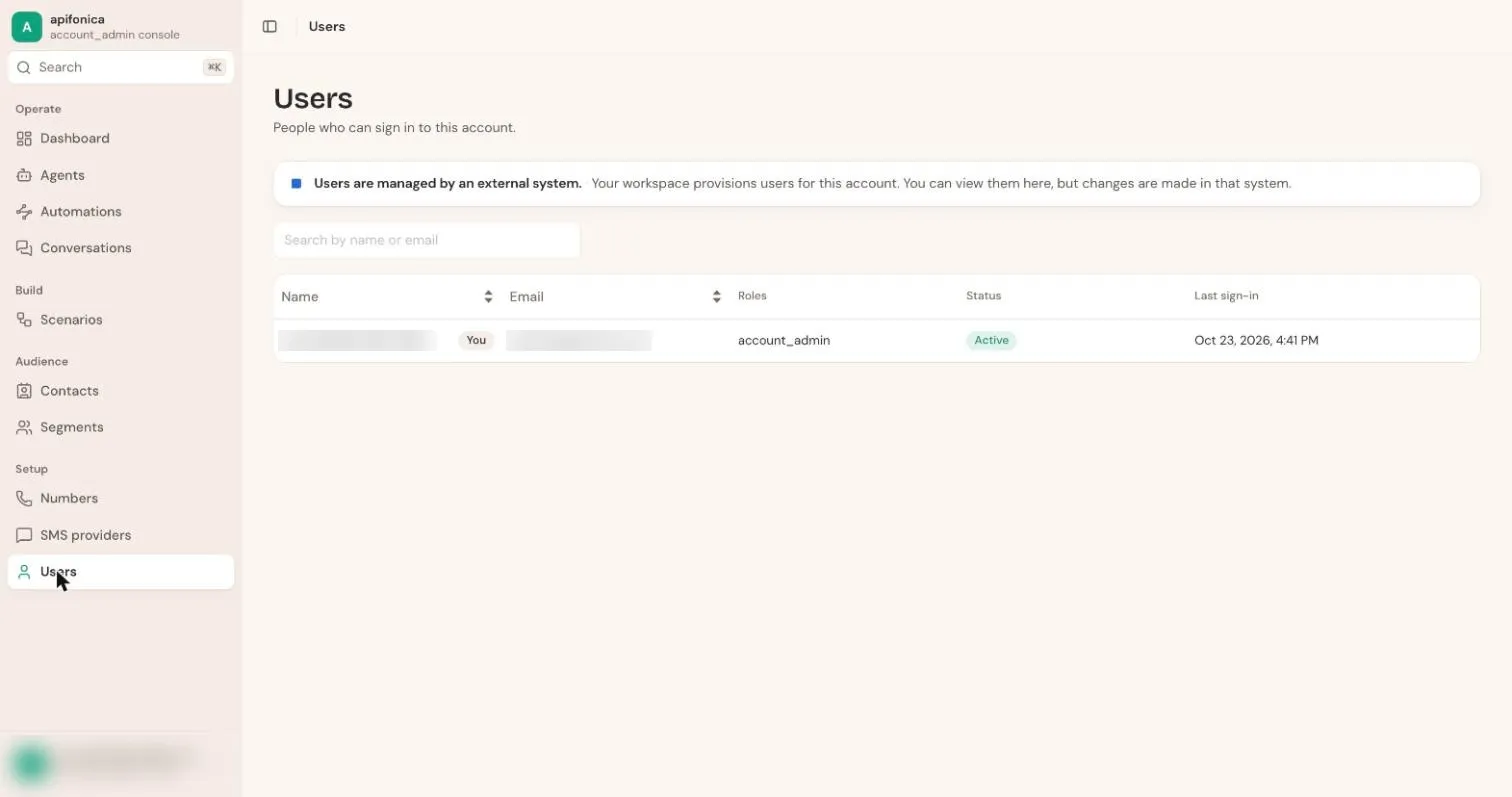
Setup → Users lists everyone who can sign in to this account, with email, roles, status and last sign-in; users are provisioned by your workspace, so you cannot invite or remove them here.
The account roles
Section titled “The account roles”Every tenant has the same fixed roles. Three of them apply inside an account; each includes everything of the one above it.
| Role | Can do |
|---|---|
| reader | View agents, automations, scenarios, conversations, numbers, contacts, segments and SMS providers; read analytics |
| writer | Everything reader can, plus create, change and delete those objects |
| account_admin | Everything writer can, plus manage users, issue API keys, send sign-in links and edit the account profile |
Your tenant can also build its own roles from single permissions, for example a finance role that only reads conversations and analytics. The full list of permissions and how roles inherit each other: Roles and permissions.
Signing in
Section titled “Signing in”Your people sign in without a second password: either through a one-time sign-in link your own system requests for them, or with credentials your system set up. Which one your workspace uses is decided during integration. See Account access for your customers.
When someone needs access
Section titled “When someone needs access”- A new person, a role change or a removal: ask whoever manages your Apifonica workspace.
- A person who can no longer sign in: check their status in this list first, then contact your workspace administrator.