Most problems come from four places: unconnected outputs, intents with too few phrasings, a number already taken by another agent, and calling hours. Find the symptom below; questions without an error message are in FAQ.
| What you see | Why | What to do |
|---|
| you have N errors in your scenario on Publish | Some outputs are not connected or some bricks are not configured (red Error or orange Not configured badges) | Connect every red-dot output; drop unused ones on empty canvas to send them to End. Fill the required settings |
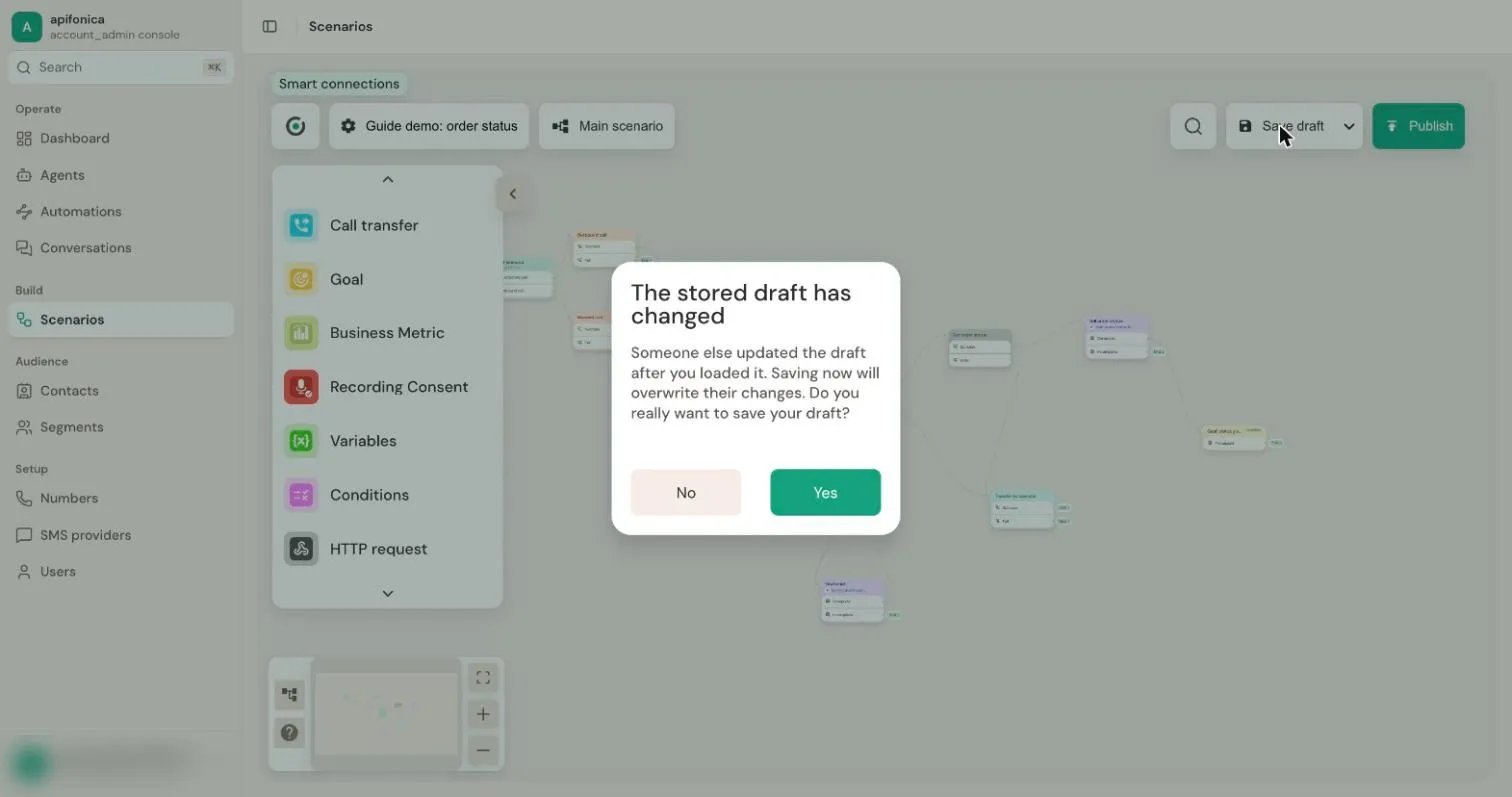
| The stored draft has changed on Save draft | The draft was saved elsewhere (a colleague or another tab) after you opened it | Yes overwrites with your version; No keeps the stored one. Agree with colleagues who edits when |
| All unsaved changes will be lost. Continue? when closing a brick | The brick has changes you did not save | No, then Save, then close |
| Wrap the variable in double braces | A variable name was typed without braces | Type {{order_status}}, not order_status |
| Dragging an output moves the brick | The output is already connected, usually to End | Click its End tag, click the red ×, then drag again |
| No Test call button | The scenario is not saved, or does not pass validation | Fix the errors and click Save draft |
| What you see | Why | What to do |
|---|
| A test answer goes to Invalid | Its intent score is below the threshold, for example 0.56 against 0.7 | Add five or more varied phrasings and run the tests again; switch that answer to Keywords; or lower Intent threshold in the brick’s ⚙ Speech recognition |
| Callers are cut off or wait too long after speaking | Speech timeout too short or too long | Adjust Speech timeout (default 2 s) and No input timeout (default 5 s) in Start scenario or the brick |
| Intents behave differently from the test cases | The intent classifier needs a look | Send support the Intent classifier ID from the brick’s ⚙ Speech recognition |
| What you see | Why | What to do |
|---|
| No free active numbers when creating an agent | Every number belongs to another agent | Ask your workspace for a number, or put the scenario on the existing agent (Edit agent → Scenario). Archive frees a number but cannot be undone |
| Calls are accepted but nothing rings | The SIP trunk is not up | Ask your workspace administrator to check the trunk |
| An automation cannot be created for an agent | The agent’s scenario has no published version | Publish the scenario first |
| What you see | Why | What to do |
|---|
| Outbound calls do not start | Outside calling hours, agent disabled, no free lines, or an empty segment | Check the agent’s schedule and time zone, its status, Lines and the segment |
| The person hears silence, then the call ends | Outbound call → Success points at End | Connect it to the greeting and publish |
| A local number is refused | It has no country code. The console reads it with the account’s country, which may be wrong; an API dispatch refuses it with 422 | Use numbers with + and the country code, always in the API; in the console, set the right country when uploading a file |
| What you see | Why | What to do |
|---|
| Path is required or an empty variable after HTTP request | No JSONPath, or the path does not match the response | Run a test case, click the field in the response to copy its path, and set Value if the path is not found |
| HTTP request always leaves through Error | Wrong URL or method, missing authorisation, or a timeout | Run a test case and read the status and body; raise Timeout (up to 30 s) only if the API is slow |
| Result webhooks arrive twice | Delivery is at least once by design | Make your endpoint idempotent on the communication ID |
| What you see | Why | What to do |
|---|
| The scenario with this call history is not available with your current account | The call ran on a scenario that has since been deleted or replaced | Nothing to fix; do not save the empty canvas that opens |
| A call stays in a live status | No final event reached it yet | Wait: the platform settles such calls once their timeout passes |